
Grove
Grove · agent development environment
Run a forest of coding agents
Grove is a software factory for the agents you already use. It gives each task a workspace and keeps work visible from ticket to delivery. Guide the work with files and diagrams.
Bring your agents
Shared team configuration
Isolated agent workspaces
Issue driven workflows
Shared diagrams and annotations
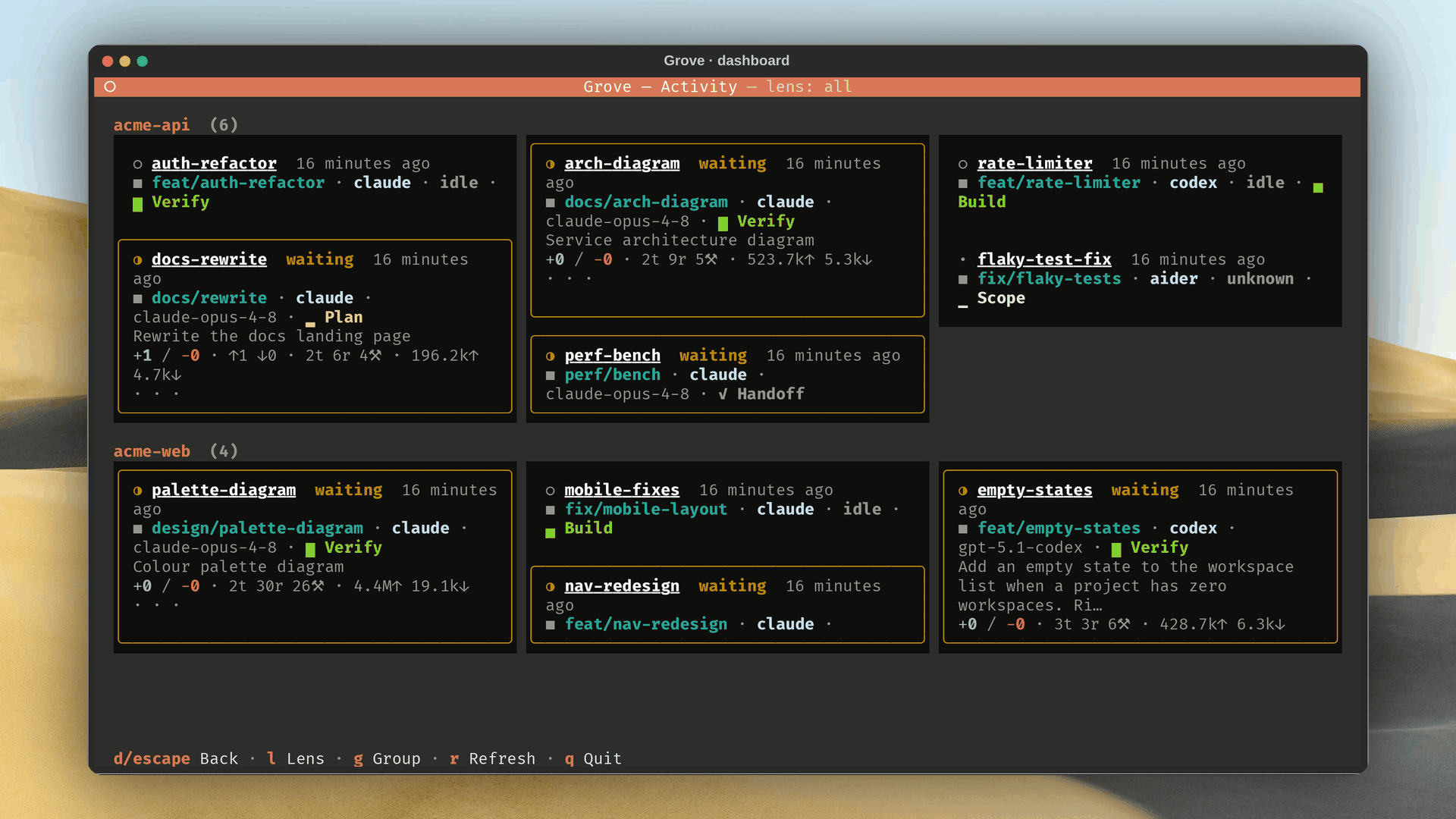
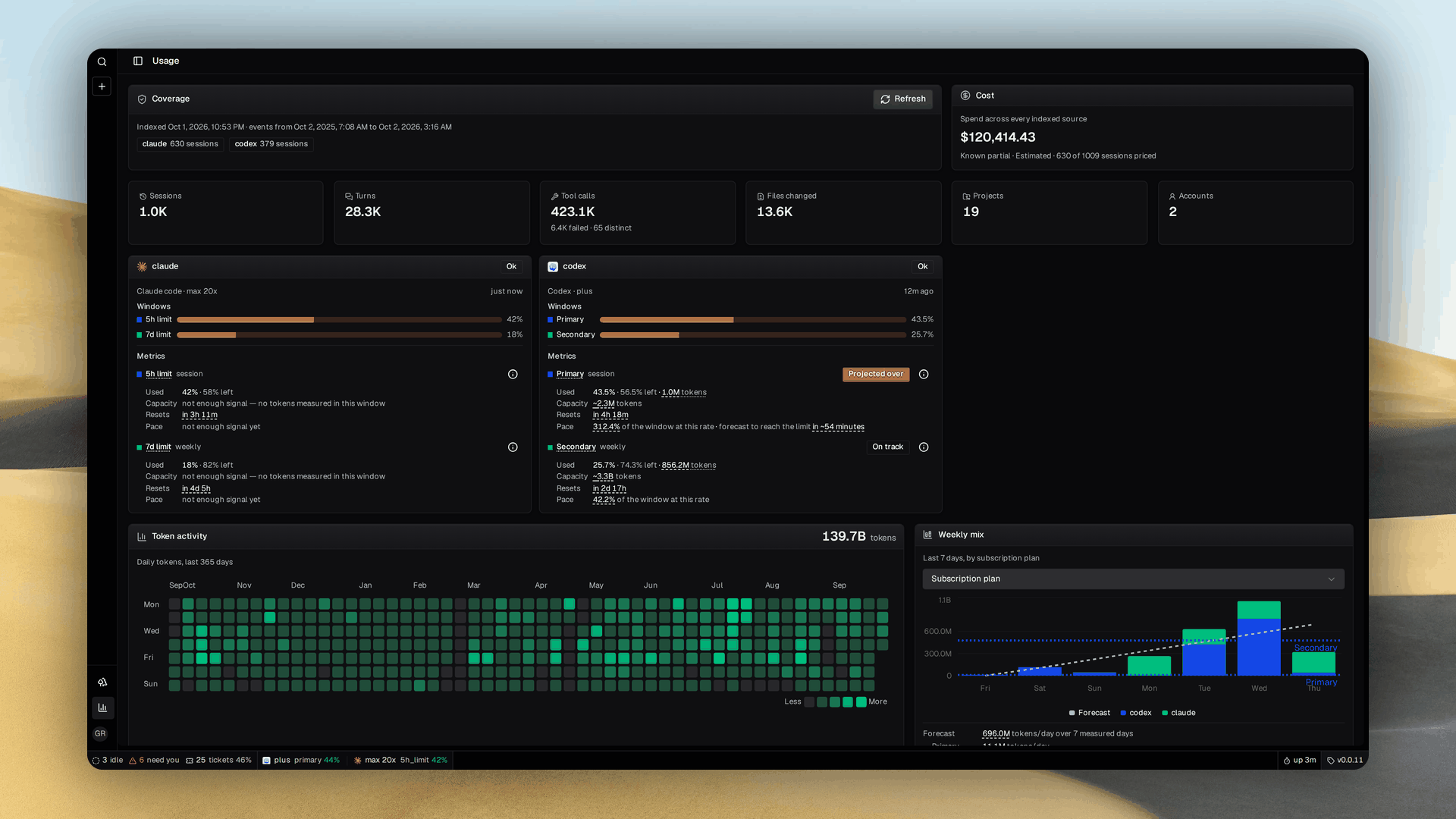
Agent activity monitoring
What is Grove?
- Coding is no longer the slow part. Deciding what to build is. Parallel agents hit checkout conflicts and laptop limits. Grove turns your agents into a software factory. Turn tickets into outcomes.
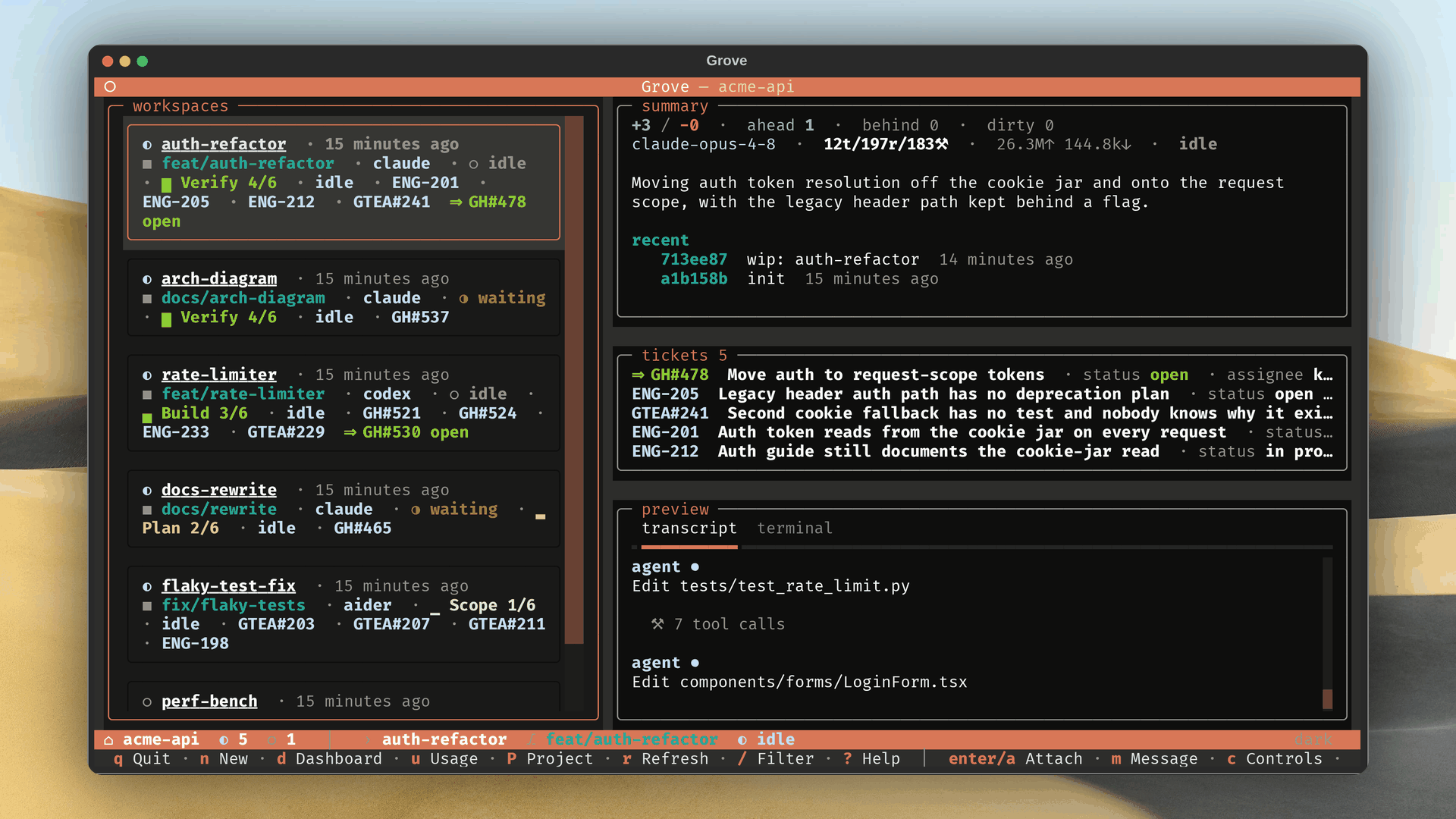
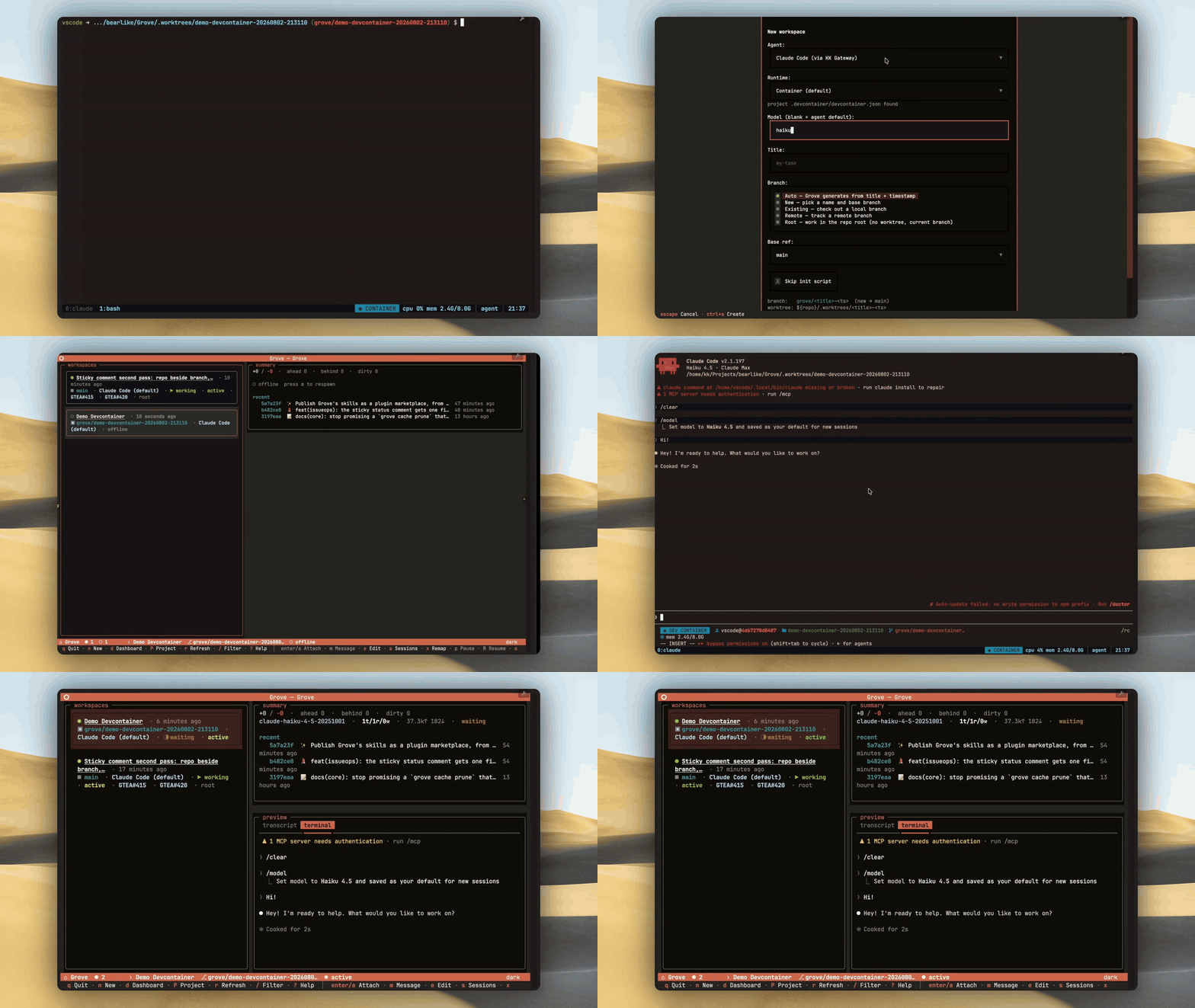
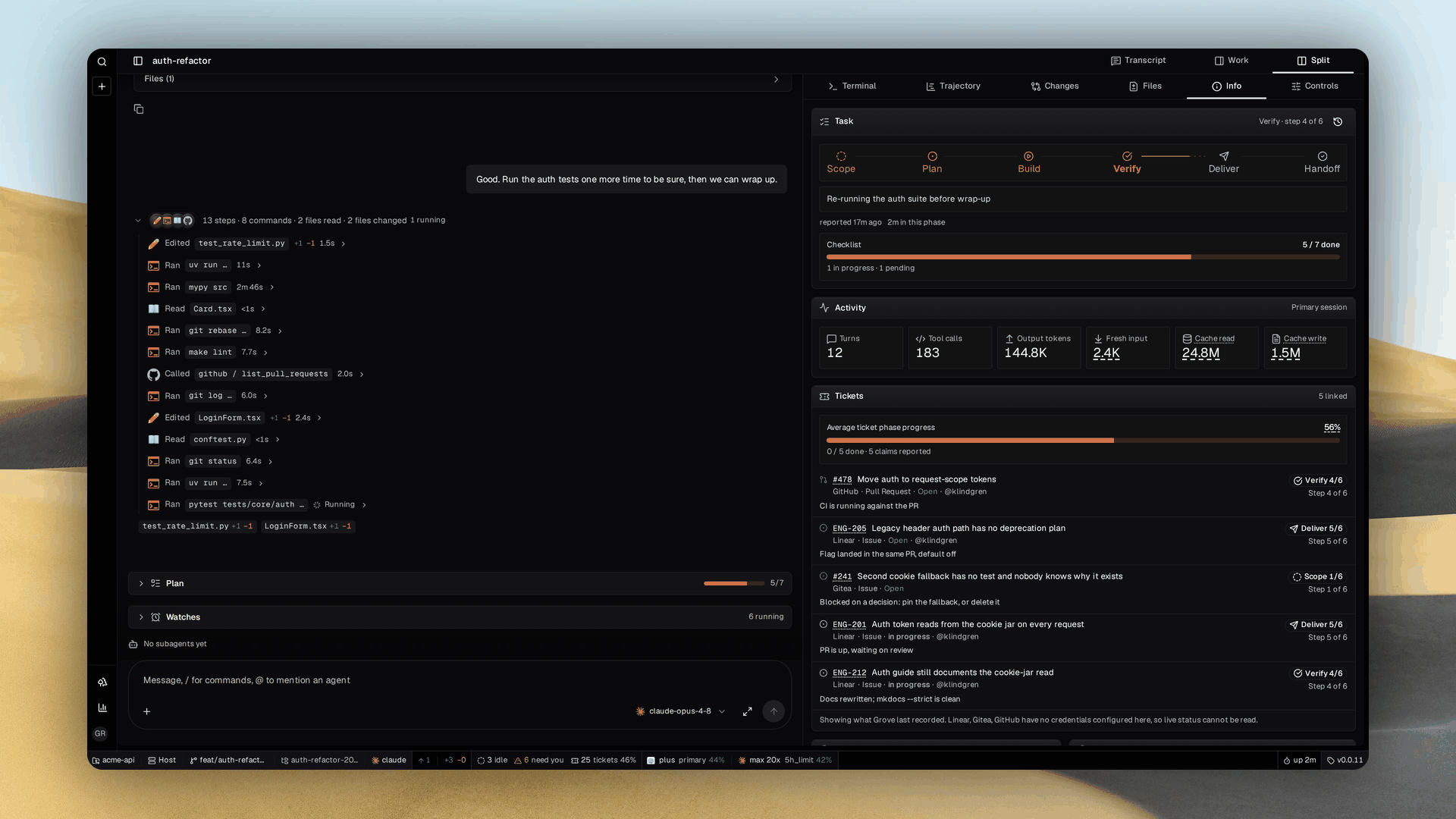
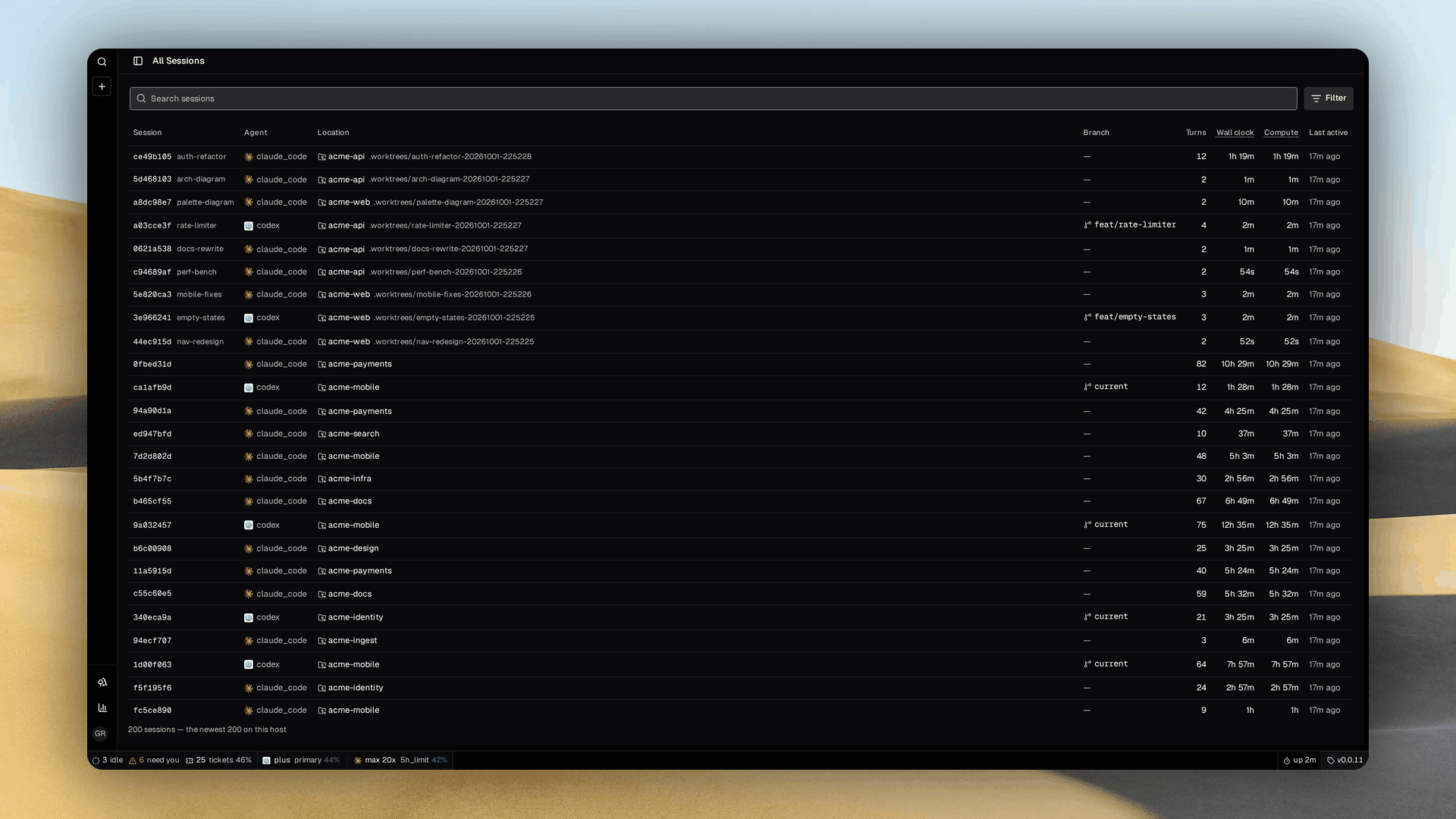
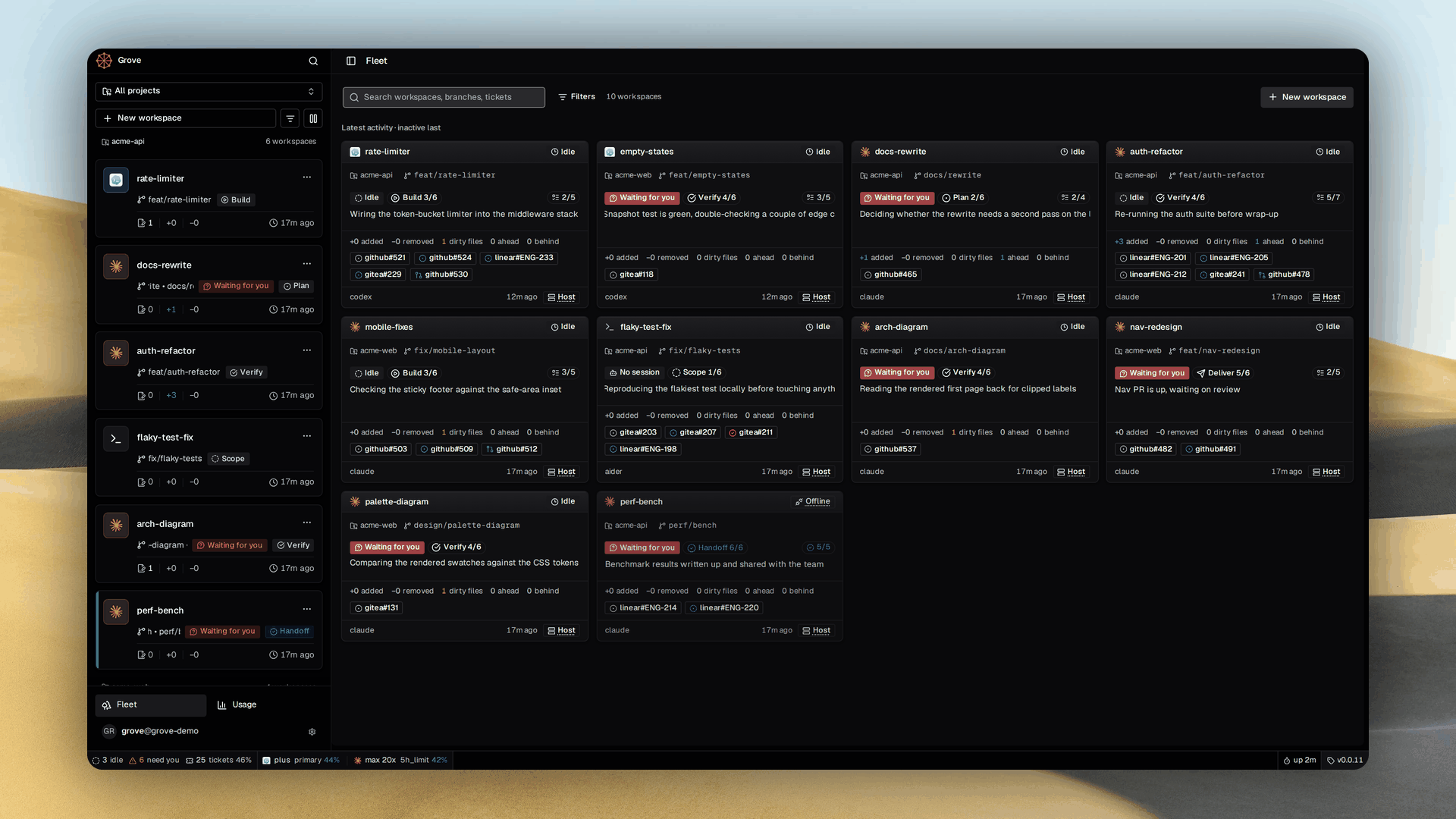
- Give each task its own workspace. Each agent gets a worktree and branch. Agents report phases for their workspace and each attached ticket. See what's planned, built or verified across the fleet.
- Choose how each agent runs. Run agents in their usual host environment or a container defined by your repository's
.devcontainer/. Containers provide separate services and ports with resource limits. - Choose where the work runs. Concurrent tests and builds compete for CPU and memory. Reuse your container configuration on a shared team machine or serverless cloud to free your laptop.
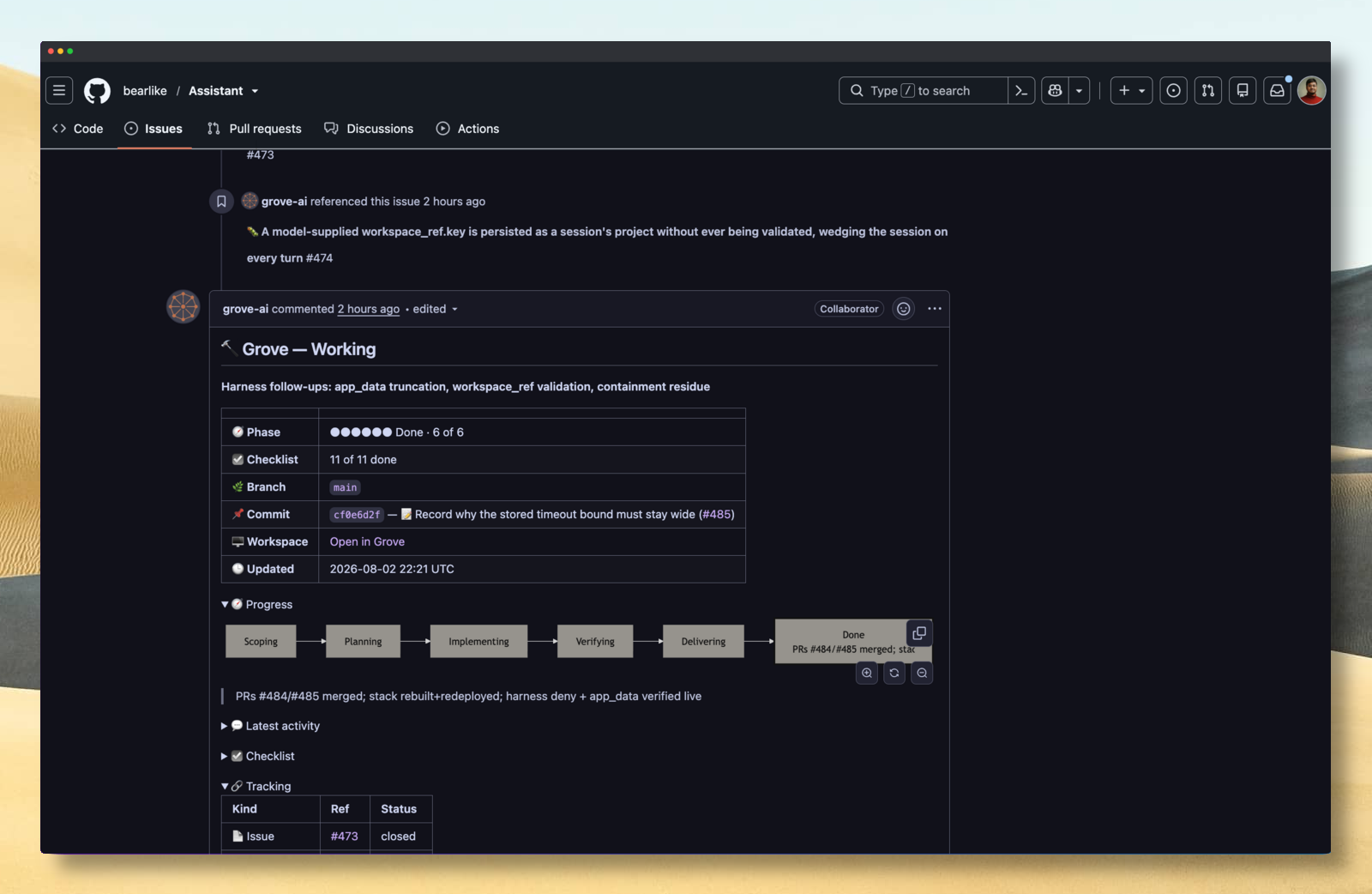
- Let the tracker start the work. Assign an issue and Grove starts its workspace. Progress returns to the same ticket. Follow the task where you defined it.
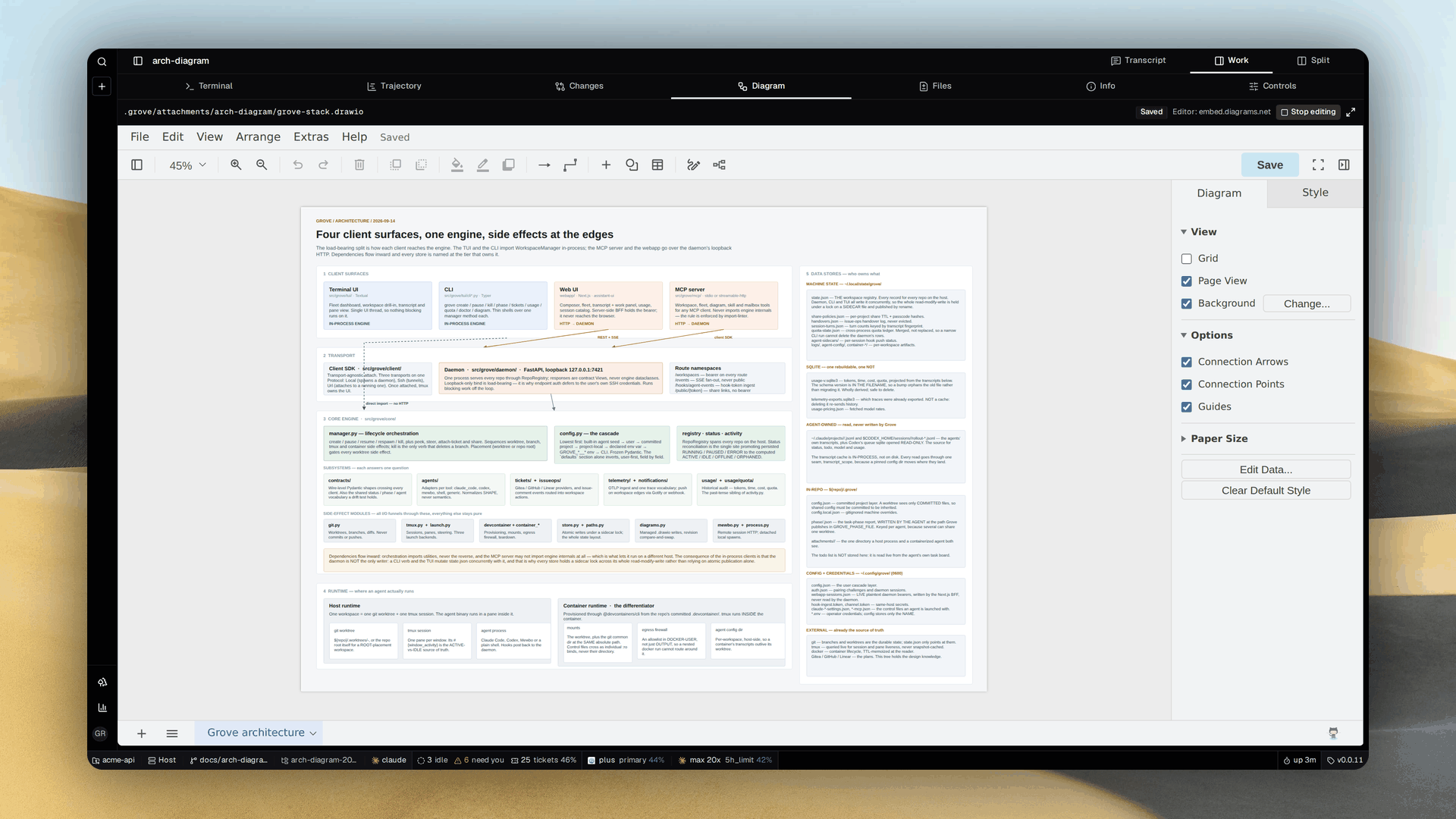
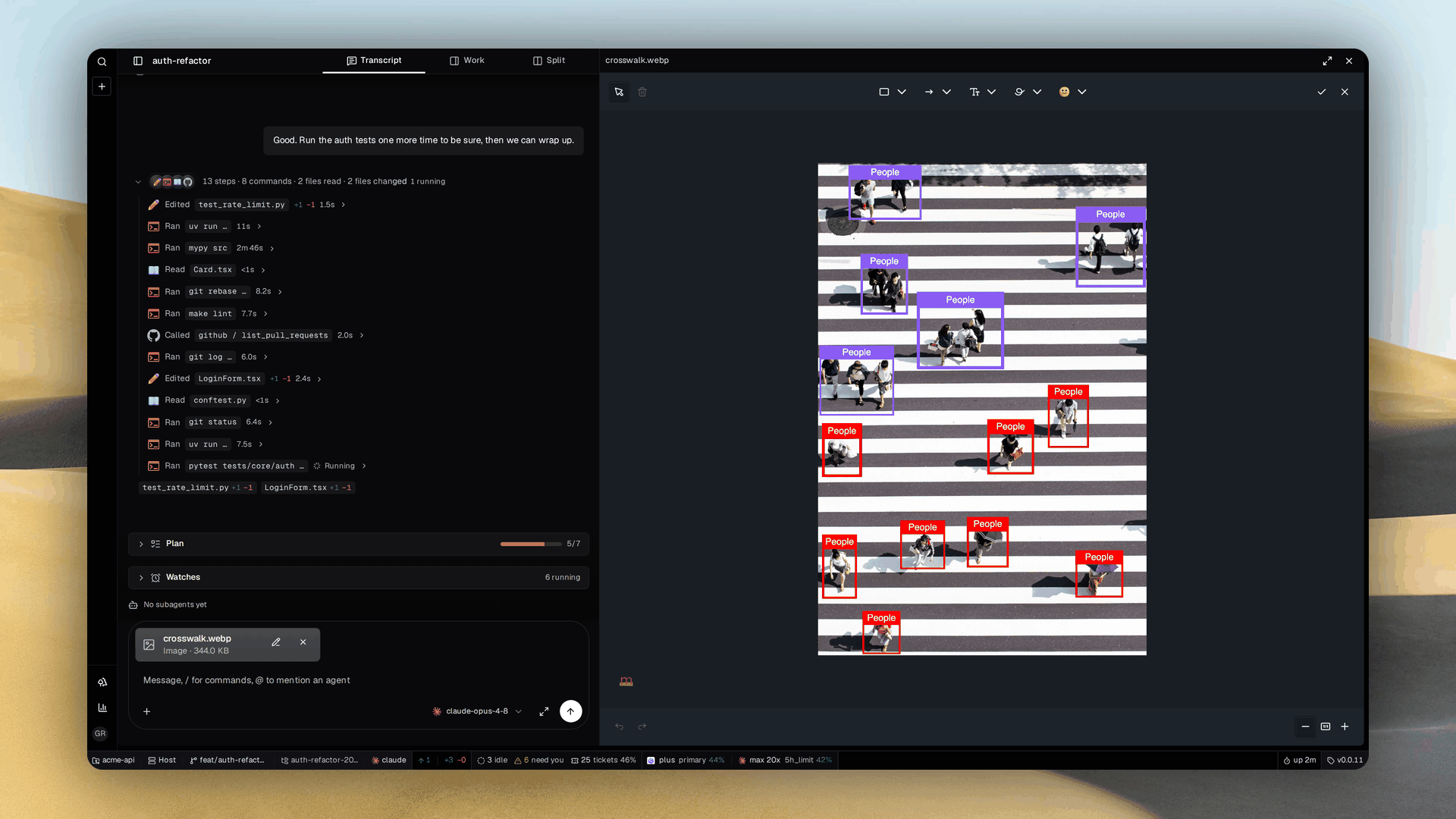
- Show it instead of describing it. Annotate a screenshot or draw a diagram with your agent. Approve the diagram or mockup and attach it to a ticket to coordinate your fleet.
Choose your surface
Every workspace is reachable from all four.
Terminal
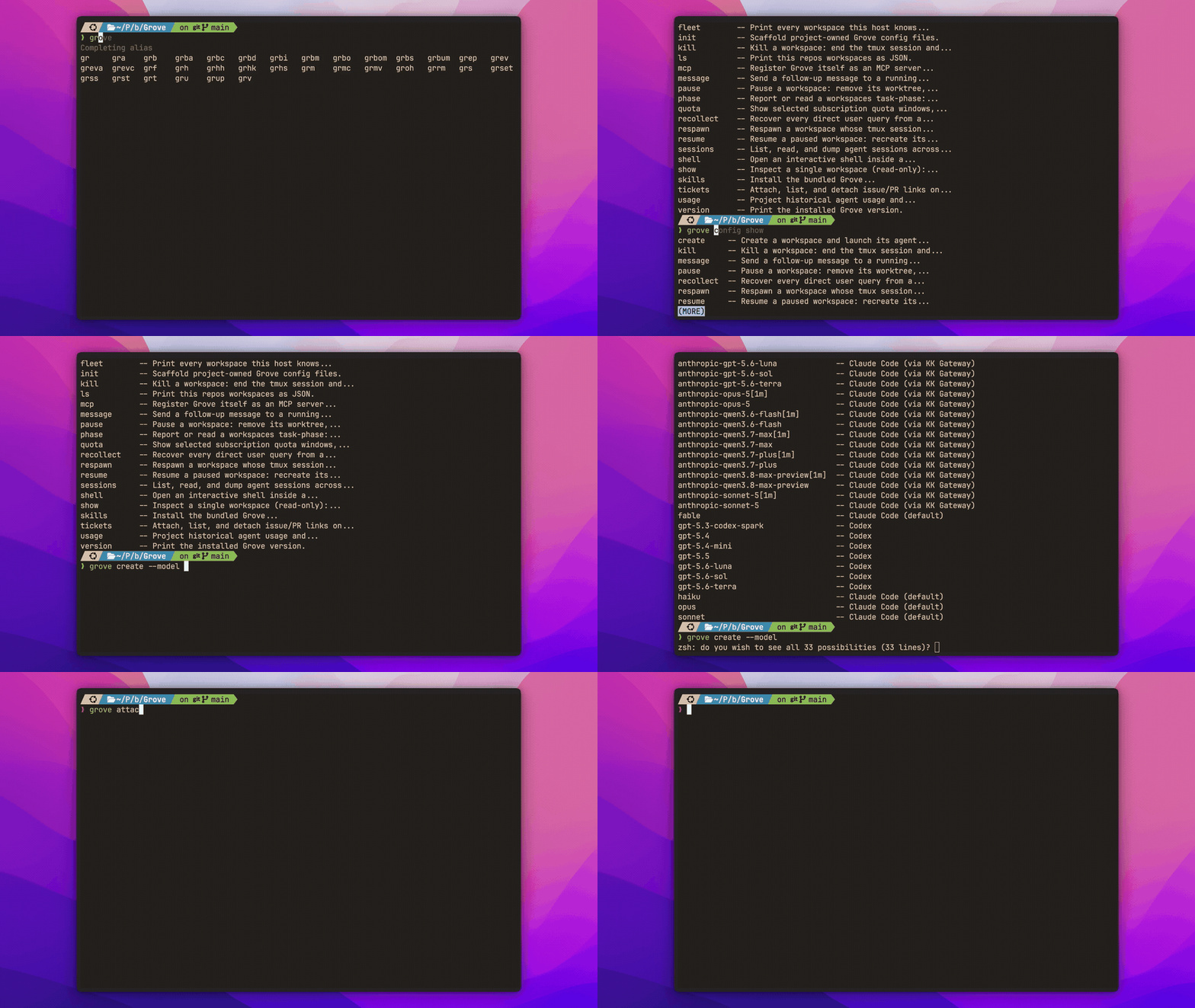
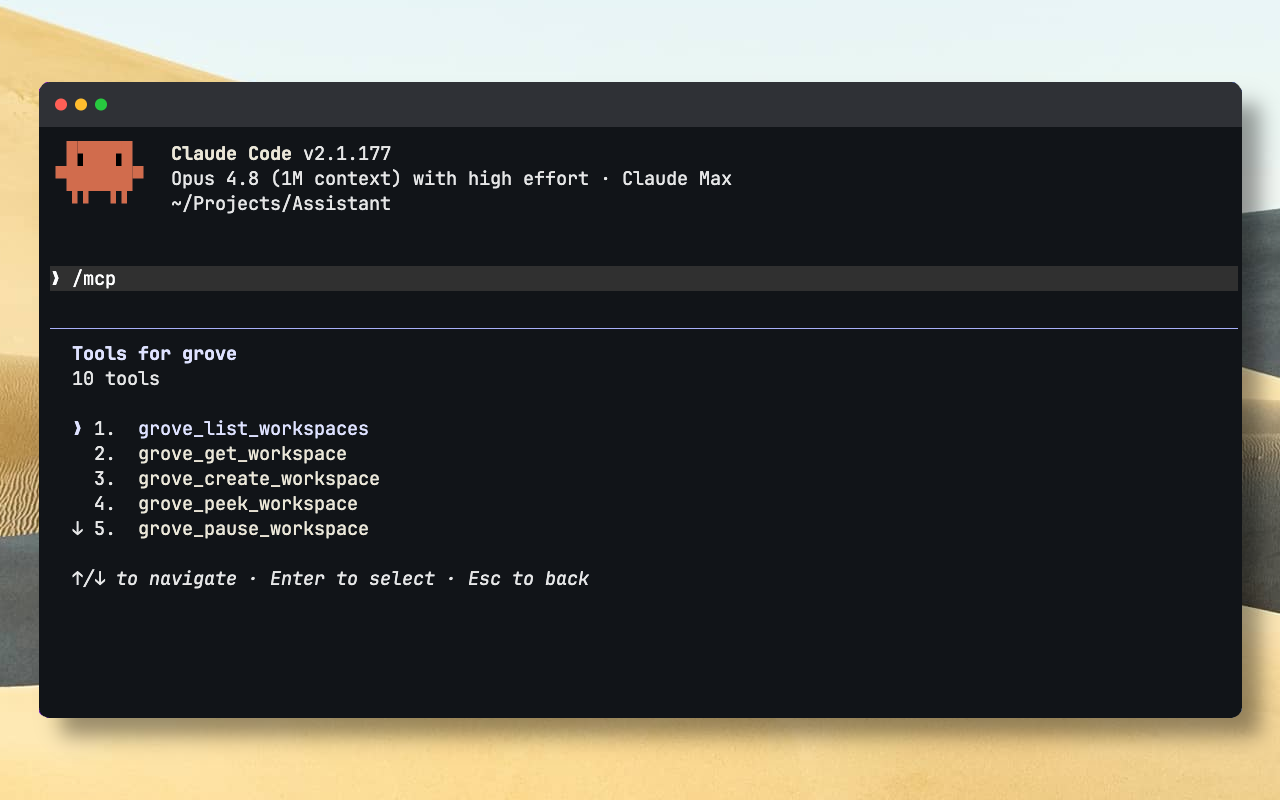
Manage multiple coding agents without leaving your terminal. Switch between workspaces and inspect live output to see which agent needs you.
Web dashboard
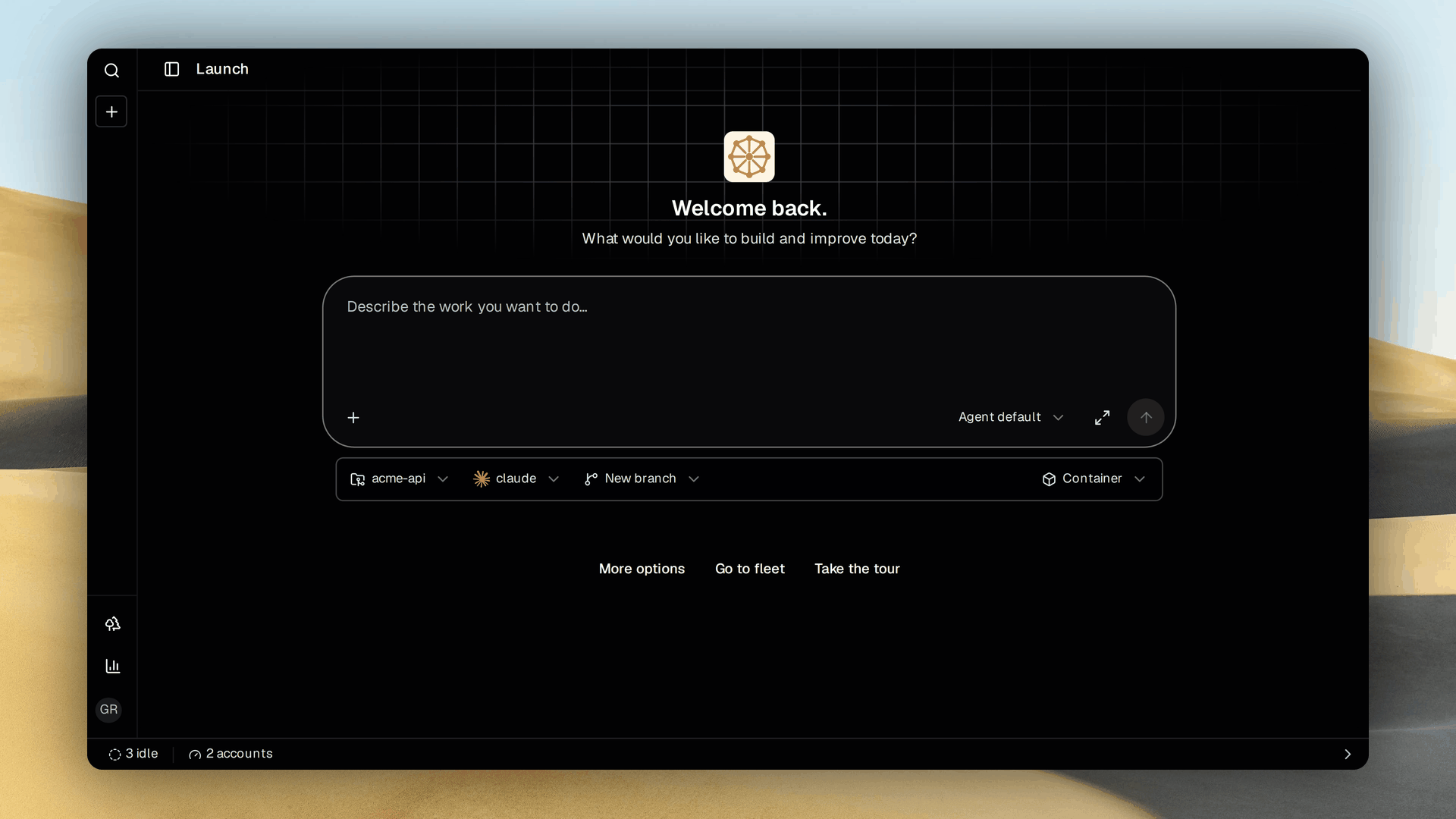
Follow sessions from any device. Read the transcript beside the branch and diff. Upload files, annotate screenshots, edit draw.io diagrams.
Your tracker
Delegate work from Linear, GitHub or Gitea without opening another tool. Assign an issue to start a workspace and follow its phase and checklist on the same ticket.
Another agent
An orchestrator delegates and tracks work through MCP. Workers find peers and message them through the mailbox, so isolated workspaces still coordinate.
What you get
Shared configuration
A committed
.grove/config.json carries the agents, models, setup and container policy every workspace starts from. Each engineer overrides locally, and a workspace picks its own model without touching the shared file.
Agent monitoring
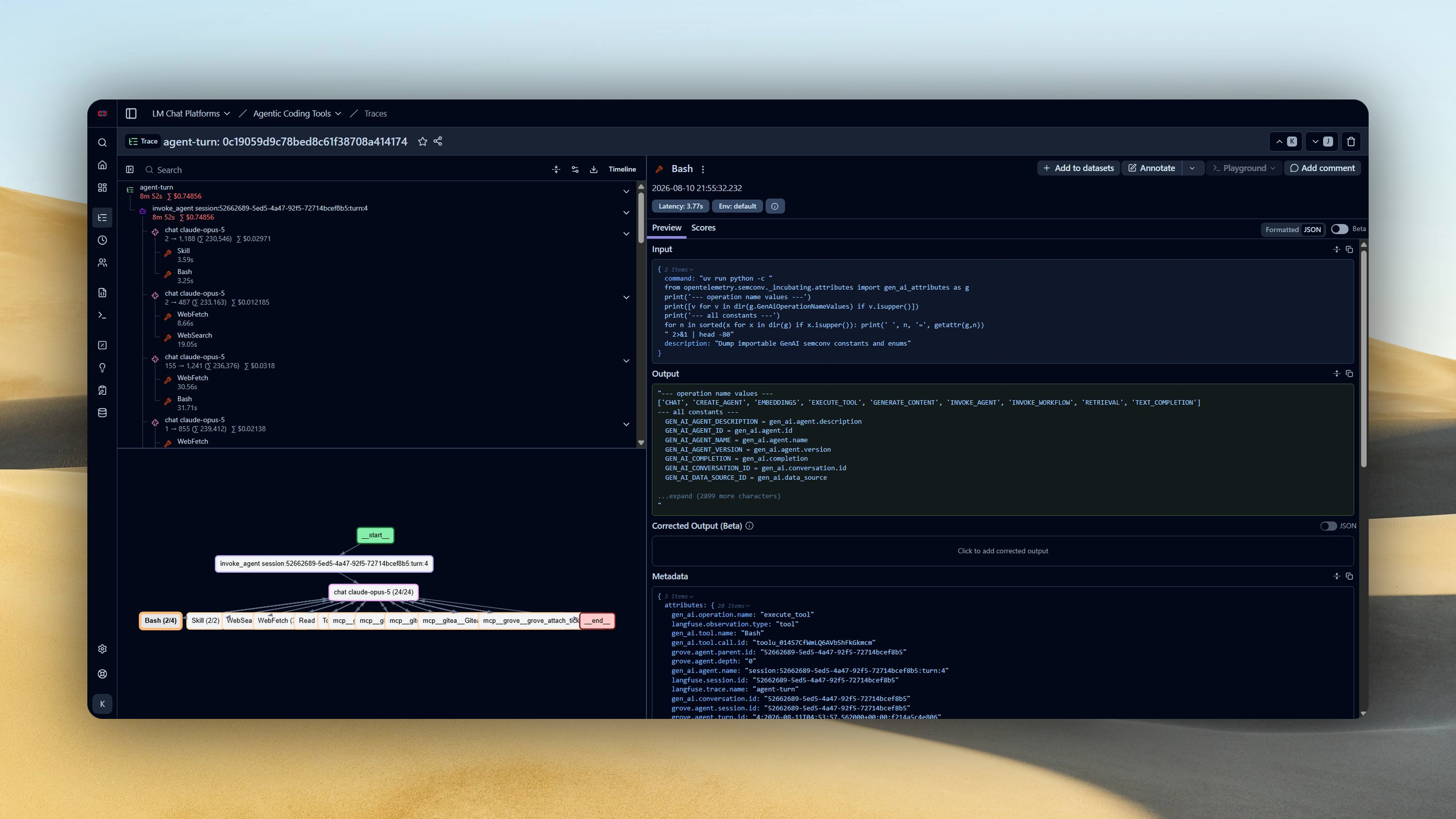
Each turn becomes a Langfuse trace. A small local decision model labels every observation with a confidence score. Add thumbs up or down from Grove, then calibrate against human judgement.
Isolated containers
Run each agent in a containerized sandbox. Separate files and services prevent collisions. Resource limits protect the fleet. Containers scale independently on serverless platforms.
Shared diagrams
A UI mockup or an architecture spec lives as one draw.io file both of you edit, with revision checks. Grove validates the XML and you approve the picture before code exists.
Image annotation
Annotate screenshots and attach files for your agent.
Remote access
Your agents run headlessly and stay reachable from any browser or through MCP.
From first workspace to a whole fleet
Start with one agent, share your setup with the team and choose how you manage the work.
Install
Set up Grove and launch your first isolated workspace.
Configure
Choose your agents and share workspace defaults across the team.
Use
Run your fleet and follow its work from the surface that suits you.
Capabilities
Contain each agent's environment and make its work easier to review.
Developers
Build on Grove's public API or contribute to the engine and its clients.